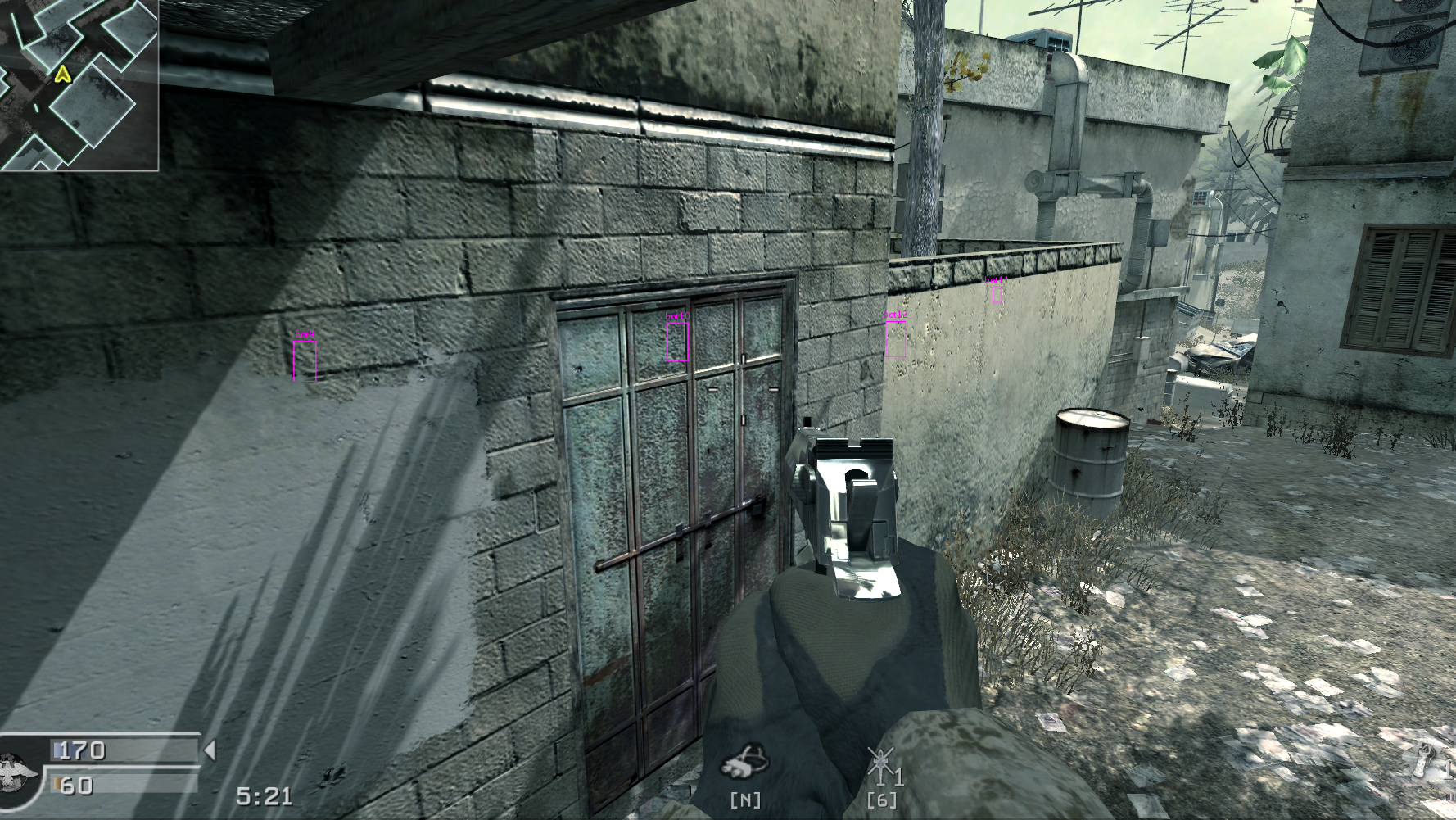
This started from trying to understand more about how rendering and game state works in games and in this case in Direct3D 9 with a game that I have played a lot.
I wanted to try and draw simple entity information (ESP) inside Call of Duty 4 without creating a separate overlay window. To start, drawing information on the screen is the easy part, the real problem is finding a good and reliable place inside the game’s frame loop where I could get enough information from the game state to know what to draw, and then converting the 3D world positions into 2D screen coordinates.
The first thing we need is a place inside the game’s render loop where our own
drawing code can run. I ended up using Direct3D 9
EndScene.
It seemed that it is not the final moment where the frame appears on screen, that would
be closer to
Present,
but it was still late enough in the frame that the game had already submitted its
scene and I had the D3D device available for
Dear ImGui.
Simplified D3D9 frame in CoD4 and where we are trying to hook into:
BeginScene()
    draw world geometry
    draw models
    draw effects
    draw HUD/UI
    ...
EndScene() ← hook runs here
Present()
The exact middle order is engine-specific. Direct3D only really cares that
rendering commands happen between BeginScene and EndScene and that
Present is what submits the back buffer for display.
...
typedef HRESULT(_stdcall* EndScene)(IDirect3DDevice9* pDevice);

EndScene pEndScene;
HRESULT __stdcall hkEndScene(IDirect3DDevice9* pDevice) {
    if (!init) {
        ImGui::CreateContext();
        ImGui_ImplWin32_Init(FindWindow(0, "Call of Duty 4"));
        ImGui_ImplDX9_Init(pDevice);
        init = true;
    }

    ImGui_ImplDX9_NewFrame();
    ImGui_ImplWin32_NewFrame();
    ImGui::NewFrame();
...
The actual hook also rendered the ImGui draw data and called the original
EndScene later in the same hkEndScene function. The code finalizes the ImGui frame, then submits the draw data through the D3D9 backend and then returns through the original EndScene pointer:
ImGui::EndFrame();
ImGui::Render();
ImGui_ImplDX9_RenderDrawData(ImGui::GetDrawData());

return pEndScene(pDevice);
Once this was working, I had a detoured EndScene handler that ran during
rendering with the game’s D3D9 device already available. That was the important
part. I no longer needed to create a separate layer or a transparent overlay
window, or try to synchronize an external renderer with the game window.
The hook itself is installed by creating a temporary D3D9 device with
Direct3DCreate9,
which is then used to read the IDirect3DDevice9 vtable. In that vtable, slot
42 is the EndScene method, so we can use that slot to locate the EndScene
function address:
void** vTable = *(void***)(pDevice);
pEndScene = (EndScene)DetourFunction((PBYTE)vTable[42], (PBYTE)hkEndScene);
This is different from a direct vtable hook. With a vtable hook, you would save
the original function pointer from the slot, replace that slot with your hook
function, draw inside the hook and then call the saved original function. In
this code, the vtable is only used to find the EndScene function address. That
address is passed to DetourFunction, from the old
Microsoft Detours API, which installs
the detour on the target function.
After that, the rendering side was mostly solved. Then we can move on to figuring out what to actually draw.
For this project, I treated the player/client records as a fixed-stride array in
memory. Once we have the base address of a client/entity array and the size of
each entry, walking the player slots becomes simple pointer arithmetic:
base + index * stride. In this case, 0x831270 was the recovered base address
and 0x4CC was the size of one entry for the tested build (v1.7). The loop
bound of 64 came from the common MAX_CLIENTS assumption I started with.
int LocalPlayerId = *(int*)0x1280500;
int LocalTeam = *(int*)(0x831270 + LocalPlayerId * 0x4CC + 0x1C);

for (int i = 0; i < 64; i++) {
    Ent* Entity = (Ent*)(0x831270 + i * 0x4CC);
    if (!Entity->Valid)
        continue;
These addresses and offsets are specific to the tested CoD4 executable, build, and configuration, but based on the newer 1.8 version, it seems most of the same offsets are still valid.
The matching C++ structure makes the assumptions visible:
// 0x831270 increment -> 0x4CC
class Ent {
public:
    int32_t Valid;       // 0x0000
    char pad_0004[8];    // 0x0004
    char Name[16];       // 0x000C
    int32_t Team;        // 0x001C
    char pad_0020[888];  // 0x0020
    Vec3 Position;       // 0x0398
};
The scan range was a first assumption based on the common MAX_PLAYERS /
MAX_CLIENTS = 64 convention. At this point we are interested only in the
player slots. For each index, the code computes 0x831270 + i * 0x4CC, casts
that address to Ent* and then tries to read fields such as valid, name, team,
and position. If Entity->Valid is false, that slot is skipped and we can treat
it as not being a valid player entity. If it is valid, then we treat that memory
as an active player entity record and use its Name, Team and Position.
At this point we have entity origins, names and teams. That is enough to decide what should be drawn, but not where to draw it. For that, we need the camera state:
static LocalPlayerInfo* LocalPlayer = (LocalPlayerInfo*)0x793698;
static Refdef_t* RefDef = (Refdef_t*)0x78F608;
The entity positions exist in 3D world spaceand ImGui needs 2D screen coordinates. So we need to subtract the camera origin, transform the point into view space using the camera axes, reject points behind the cameraand then apply the FOV and screen dimensions:
AngleVectors(LocalPlayer->ViewAngles, matrix);
vLocal = SubVectorDist(dst, RefDef->ViewOrig);

vTransForm.x = vLocal.dotproduct(matrix.vRight);
vTransForm.y = vLocal.dotproduct(matrix.vUpward);
vTransForm.z = vLocal.dotproduct(matrix.vForward);

if (vTransForm.z < 1.f)
    return false;

ScreenPos.x = RefDef->ScreenX / 2 +
    (RefDef->ScreenX / 2 / vTransForm.z * (1 / RefDef->Fov.x)) * vTransForm.x;

ScreenPos.y = RefDef->ScreenY / 2 -
    (RefDef->ScreenY / 2 / vTransForm.z * (1 / RefDef->Fov.y)) * vTransForm.y;
For the tested build, RefDef->ViewOrig worked as the camera origin and
RefDef->Fov.x/y worked as the projection scale values. In this version, the
camera basis was built from LocalPlayer->ViewAngles using AngleVectors. If I
had recovered the final view-axis vectors from refdef, those would likely have
been a better source because they would represent the final camera better than
reconstructing it from angles.
But once the WorldToScreen logic was pretty much down, the rest of the overlay,
the drawing part, became a lot simpler. Drawing a name above a player is just
projecting a point slightly above the entity origin point and then drawing the
entity name there:
w2s::WorldToScreen(
    Vec3{ Entity->Position.x, Entity->Position.y, Entity->Position.z + 65 },
    HeadPos2D
);

Draw::DrawName(HeadPos2D, color, Entity->Name);
The name drawing helper function itself is very small. It just submits text to ImGui’s background draw list:
void Draw::DrawName(ImVec2 Pos, ImColor color, const char* Text) {
    ImGui::GetBackgroundDrawList()->AddText(Pos, color, Text);
}
The 3D box uses the same idea, but instead of one point it builds a small box
around the entity origin, so a rough box around the player. The helper creates
top and bottom corner points, projects them with WorldToScreenand then
connects the projected points with AddLine:
void Draw::Draw3DBox(Vec3 Pos, ImColor color, int Thickness) {
    Vec3 tfl = Vec3{ Pos.x + 10, Pos.y - 10, Pos.z + 55 };
    Vec3 tfr = Vec3{ Pos.x + 10, Pos.y + 10, Pos.z + 55 };
    Vec3 tbl = Vec3{ Pos.x - 10, Pos.y + 10, Pos.z + 55 };
    Vec3 tbr = Vec3{ Pos.x - 10, Pos.y - 10, Pos.z + 55 };

    ImVec2 tfl2D, tfr2D, tbl2D, tbr2D;
    w2s::WorldToScreen(tfl, tfl2D);
    w2s::WorldToScreen(tfr, tfr2D);
    w2s::WorldToScreen(tbl, tbl2D);
    w2s::WorldToScreen(tbr, tbr2D);

    ImGui::GetBackgroundDrawList()->AddLine(tfl2D, tfr2D, color, Thickness);
    ImGui::GetBackgroundDrawList()->AddLine(tfl2D, tbr2D, color, Thickness);
    ImGui::GetBackgroundDrawList()->AddLine(tbl2D, tbr2D, color, Thickness);
}
The real helper does the same for the bottom corners and the vertical edges. It
is an approximate box around the origin and not a true model bounds box. One
issue with this version is that it does not check whether every WorldToScreen
call succeeded before drawing the lines.
Another way to make the ESP more model aware is to use tag or skeletal/bone
based drawing. Instead of drawing a fixed box around the entity origin, this way
uses known player model tags such as j_head, j_elbow_le, j_knee_riand
j_wrist_ri. For each tag, the code asks the engine for that tag’s world
position on the current player model, projects the result into screen spaceand
then draws points or lines between related tags.
CHAR* Bone_Middle[5]    = { "j_head", "neck", "j_spineupper", "j_spinelower", "pelvis" };
CHAR* Bone_Right_Arm[5] = { "neck", "j_clavicle_ri", "j_shoulder_ri", "j_elbow_ri", "j_wrist_ri" };
CHAR* Bone_Left_Arm[5]  = { "neck", "j_clavicle_le", "j_shoulder_le", "j_elbow_le", "j_wrist_le" };
CHAR* Bone_Right_Leg[5] = { "pelvis", "j_hip_ri", "j_knee_ri", "j_ankle_ri", "j_ankle_ri" };
CHAR* Bone_Left_Leg[5]  = { "pelvis", "j_hip_le", "j_knee_le", "j_ankle_le", "j_ankle_le" };
Each array means one chain of the body. The drawing code walks each chain, then
resolves two neighboring tags, projects both positions with WorldToScreenand
draws a line between the two screen space points.
Then the draw pass can walk those tags for a valid player:
for (int j = 0; j < ARRAYSIZE(Bones); j++) {
    Tag = CG_RegisterTag(Bones[j], 1, strlen(Bones[j]) + 1);
    Math.GetPlayerTag(Tag, &pEnt, Save);

    if (Math.WorldToScreen(Save, &Screen[0], &Screen[1])) {
        Drawing.DrawString(Screen[0], Screen[1], normalFont, 1, colRed, ".");
    }
}
But that is a different quality of overlay. In this ImGui version I used origin-based primitives, so names, distances, linesand a more approximate 3D box for this first attempt.
In the end, I had a simple ESP .DLL working in the v1.7 version of CoD4, injected with my own DLL injector. ImGui and D3D9 were just the visible layer. The difficult parts were the assumptions underneath it, like the hook target, the entity stride, the refdef layout, the FOV interpretation and the projection.